Java Edition builder
You have a modeled building and want to plan its shape in blocks.
Check scale and block detail before aiming for a Litematic that a compatible mod can display.
Formats explained
Is GLB a 3D file? Yes: it packages a 3D scene, typically including geometry and materials, into one binary file. A Litematic stores a Minecraft block arrangement instead, so moving from one to the other means interpreting shapes as blocks—not simply renaming the file.
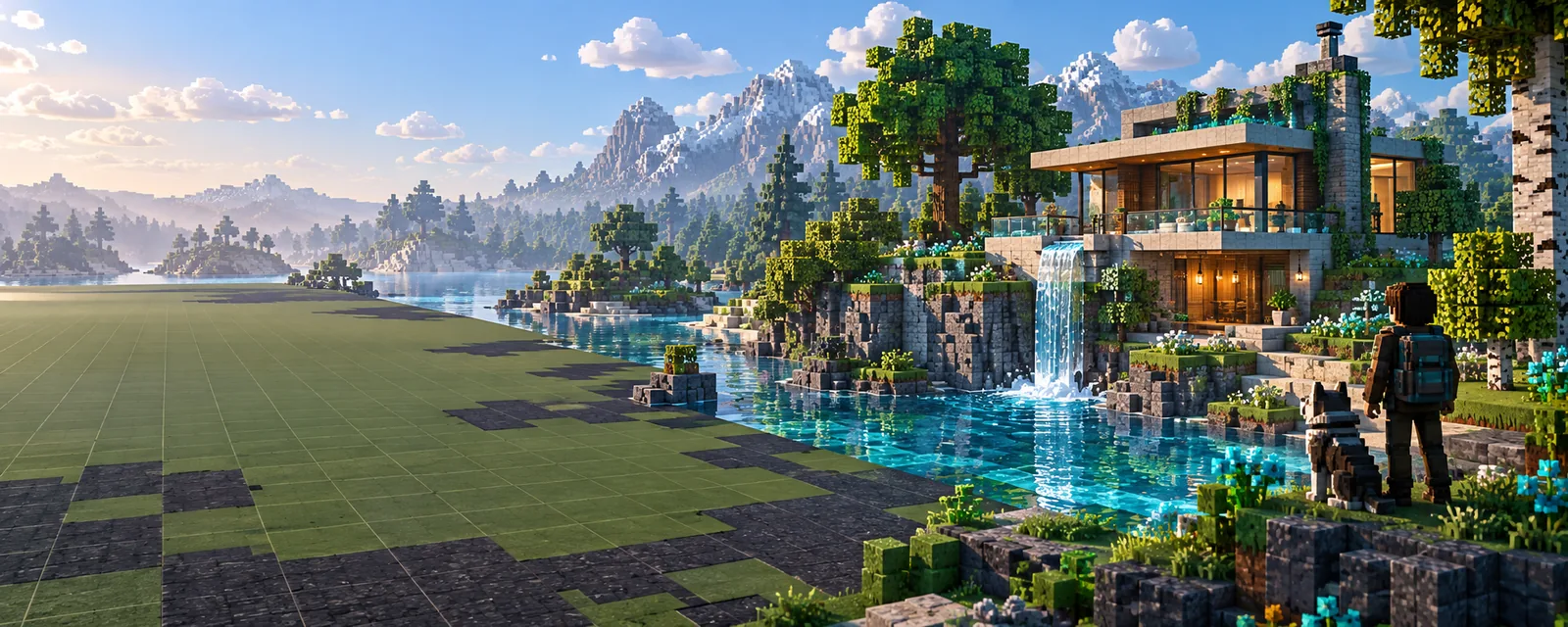
The key distinction is what each file describes. These related guides focus on the different decisions that come after identifying your source format.
The right destination depends on whether you need a visual reference, a block plan, or a structure for a particular Minecraft edition.
You have a modeled building and want to plan its shape in blocks.
Check scale and block detail before aiming for a Litematic that a compatible mod can display.
You are comparing structure files before choosing a build workflow.
Identify the required output format first; schematic and Litematic files are not interchangeable by name.
You need a structure for an edition that does not use Litematica.
Investigate an edition-appropriate structure workflow rather than assuming a Litematic will open there.
You already have a block-based build and need to move it between structure formats.
Work from the existing structure data instead of treating a GLB as the required starting point.
A GLB can provide the shape of a build, but it does not already contain Minecraft block choices.
Check which objects belong in the build, how large they are, and whether the scene contains details too small to represent as blocks.
Choose a target block scale. A voxelization process must decide which block positions approximate the model's surfaces and volume.
Inspect silhouettes, gaps, interiors, and material substitutions. If exporting a Litematic is part of your workflow, verify the file in a compatible Minecraft setup.
GLB and Litematic answer different questions: what a 3D scene looks like versus which Minecraft blocks occupy which positions.
| GLB | Litematic | |
|---|---|---|
| Primary purpose | Store a 3D scene | Store a Minecraft block build |
| Shape representation | Meshes made from vertices and faces | Blocks placed on a grid |
| Appearance | May include materials and textures | Uses Minecraft block states |
| Scale | Uses scene coordinates; interpretation depends on the workflow | Occupies discrete block positions |
| Typical viewer | A compatible 3D viewer or editor | A compatible Minecraft schematic mod or tool |
| Directly playable as a build | No; scene geometry is not placed Minecraft blocks | Not by itself; a compatible tool is needed to use the schematic |
Even when a workflow produces a useful block approximation, the source model and resulting build have different capabilities.
A block grid cannot reproduce every smooth surface or thin edge in a mesh.
What to do instead
Choose a larger build scale or simplify the model around its most recognizable shapes.
A GLB material or image texture is not a Minecraft block palette.
What to do instead
Review block substitutions for color, contrast, and availability in your Minecraft version.
A visual model may have hollow, overlapping, or open geometry that does not define usable rooms.
What to do instead
Inspect the block result and rebuild entrances, floors, and interior spaces where needed.
Changing a .glb extension to .litematic does not convert scene data into block data.
What to do instead
Use a workflow that explicitly interprets the geometry and produces the structure format you need.
Glbtolitematic points you toward Minecraft-focused creation. Treat a GLB as a 3D reference, decide the scale and destination format, and review any block result before relying on it for a build.
Yes. GLB is the binary form of glTF and can package a 3D scene's geometry, materials, and other associated data in a single file. It is a scene format, not a Minecraft block structure.
Not ordinarily. Its geometry describes meshes rather than block IDs and positions, so a Minecraft build requires decisions about scale, occupied grid cells, and block selection.
No. A tool that reads Litematic files expects Minecraft structure data, not a GLB scene. Renaming the extension does not change the contents.
Usually not. Curves, fine details, and textured surfaces must be approximated with a limited set of block shapes and appearances. The chosen scale and block palette strongly affect the result.