Minecraft builders
You have a house, tower, or prop modeled outside Minecraft and want a block-based starting point.
You can spend less time tracing the silhouette and more time refining details in the game environment.
Minecraft conversion
GLB to schematic Minecraft conversion turns a textured 3D asset into a block-oriented build starting point. Use the handoff to explore the result, then refine placement and scale in your Minecraft workflow.
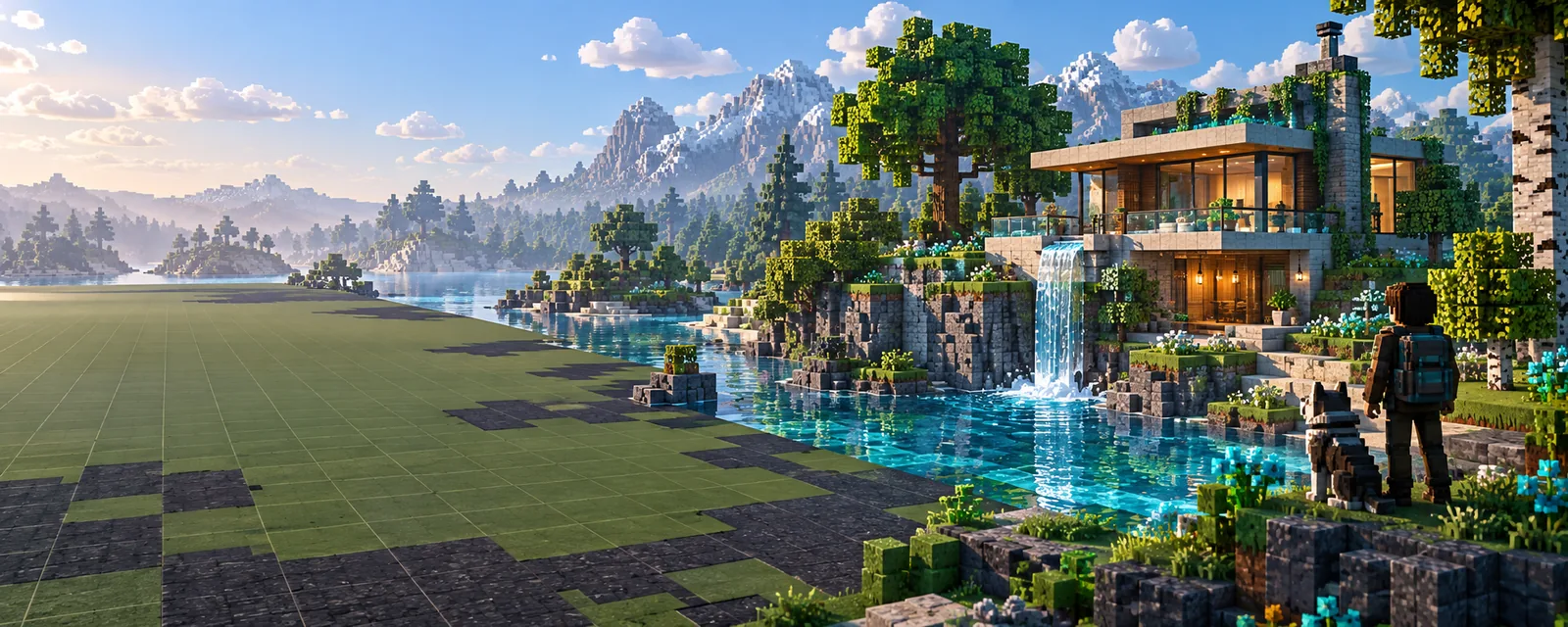
Know the limits
A GLB contains continuous geometry, while a Minecraft schematic is a discrete construction plan. Expect a useful translation, not a perfect pixel-for-pixel duplicate.
Curves, bevels, and rounded roofs must be approximated with block steps, so the silhouette may change at small scales.
What to do instead
Use a larger footprint or simplify the source shape before final detailing.
GLB materials may be reduced to block colors or interpreted as visual guidance rather than retained as native Minecraft textures.
What to do instead
Choose a compact palette and replace important materials manually after import.
A model has real-world dimensions, but Minecraft builds depend on the block scale you want for playability and detail.
What to do instead
Set a reference height, such as a doorway or one floor, and check the footprint before decorating.
The output is a construction asset for a Minecraft workflow, not a complete world with terrain, entities, redstone logic, or gameplay behavior.
What to do instead
Place the structure in your editor or world, then add terrain and interactive elements separately.
Three stages
The route is useful when you want to bring an existing 3D concept into a block-building environment without rebuilding the whole idea from scratch.
Start with a GLB that has a readable silhouette, sensible proportions, and the parts you want to carry into the build.
The conversion maps continuous surfaces into a block-friendly structure, balancing the overall shape with practical Minecraft scale.
Review the footprint, height, palette, and openings. Adjust the structure in your preferred Minecraft editor before placing it in a world.
Related routes
Different Minecraft formats suit different editors and building tasks. These nearby routes help you compare the next step without losing the original model context.
Visual checkpoint
A before-and-after comparison makes the central tradeoff visible: the source keeps continuous form, while the Minecraft result emphasizes block placement and construction logic.
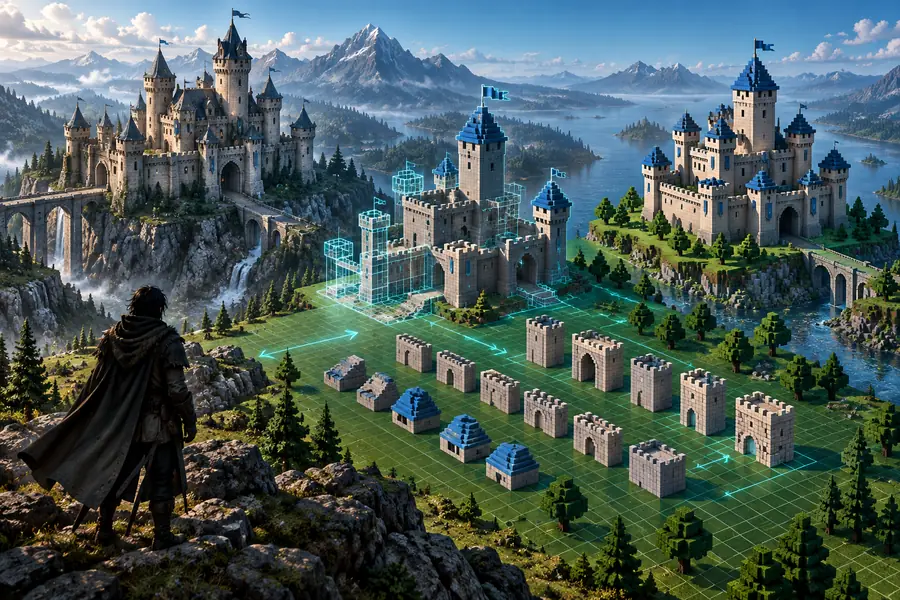
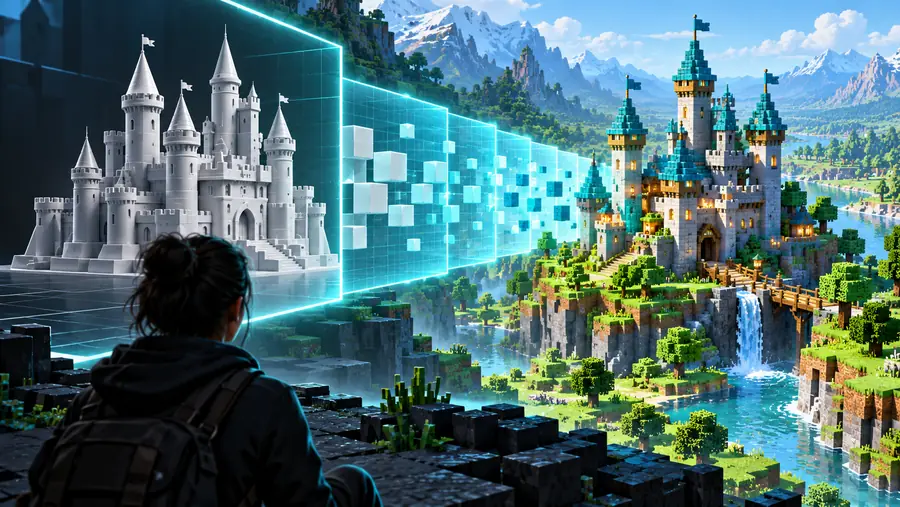
Compare silhouette, scale, openings, and color grouping before final placement.
GLB sourceMinecraft structureFormat contrast
The two formats describe the same design at different levels. This comparison shows what changes when a model becomes a block-based construction asset.
| GLB model | Minecraft schematic | |
|---|---|---|
| Geometry | Continuous triangles, curves, and surfaces | Discrete blocks arranged in a buildable structure |
| Materials | Mesh materials and texture references | Block palette or simplified color guidance |
| Scale | Model dimensions can be arbitrary | Scale must work with block size and player space |
| Editing | Best suited to 3D modeling tools | Best suited to Minecraft editors and world workflows |
| Portability | Common 3D asset interchange format | Minecraft-specific construction format |
| Gameplay data | No native terrain, entities, or redstone behavior | Still requires separate world and gameplay setup |
| Visual fidelity | Preserves the original surface design more closely | Prioritizes readable shape and practical block placement |
Useful starting points
The best use case is a model that already communicates the intended structure but still needs Minecraft-specific decisions about scale, palette, and placement.
You have a house, tower, or prop modeled outside Minecraft and want a block-based starting point.
You can spend less time tracing the silhouette and more time refining details in the game environment.
Your destination uses a structure-oriented workflow rather than a desktop schematic editor.
A format comparison helps you choose the route that matches your intended Minecraft edition and tools.
You want to test whether a 3D concept reads clearly when reduced to Minecraft-scale blocks.
The conversion exposes weak proportions, unclear openings, and details that need exaggeration.
You need a structure reference before designing terrain, paths, interiors, or surrounding builds.
The block-oriented result gives you a practical footprint to place and evaluate in context.
Start with the model
Bring the source idea into a Minecraft-focused workflow, then judge the result by silhouette, scale, palette, and how easily you can finish it by hand.
Common questions
These answers cover the practical meaning of this conversion route and the checks that matter before placing the result in a Minecraft world.
It describes moving a GLB 3D model into a Minecraft-oriented schematic workflow. The model's geometry is translated into block-based structure, so the result is an approximation designed for building rather than a direct mesh copy.
Many GLB files can provide a useful starting point, but results depend on scale, geometry, materials, and model complexity. Simple silhouettes with clear proportions are usually easier to inspect and refine than dense models with tiny details.
Not necessarily. Mesh textures and materials may need to be simplified into a block palette or replaced with Minecraft-appropriate materials, especially when the source uses smooth shading or detailed image textures.
It should be treated as a starting asset that needs checking before final placement. Confirm its footprint, height, openings, palette, and orientation, then add terrain, interiors, entities, or redstone separately if your project needs them.
Use a familiar reference such as a doorway, floor height, or player-sized opening. A deliberate scale makes the structure easier to navigate and helps preserve the details that matter most in the finished build.