Java builder
You have a GLB prop or building concept and want a structured plan that can be inspected before placement.
A Litematic-oriented workflow keeps the conversion centered on a reusable Minecraft build layout.
Online conversion
A glb to litematic converter online gives you a focused path from a binary 3D asset toward a Minecraft-ready build plan. Start with the source model, clarify the intended result, and review each stage before building.
Choose the route that matches your source file, destination format, or preferred level of control.
The online path is easiest to manage when the source, transformation goal, and destination are kept distinct.
Choose the model you want to translate and note its scale, orientation, major surfaces, and any details that matter in the finished Minecraft build.
State the intended structure clearly: its role, approximate footprint, style, and whether the result should prioritize silhouette, materials, or building practicality.
Inspect the resulting layout before placing it in a world. Check proportions, block choices, orientation, and whether the output matches the original design intent.
These are the key formats and contexts to keep in view while planning the handoff.
The important change is not only the file extension. It is the shift from a continuous 3D object to a construction-oriented Minecraft layout.
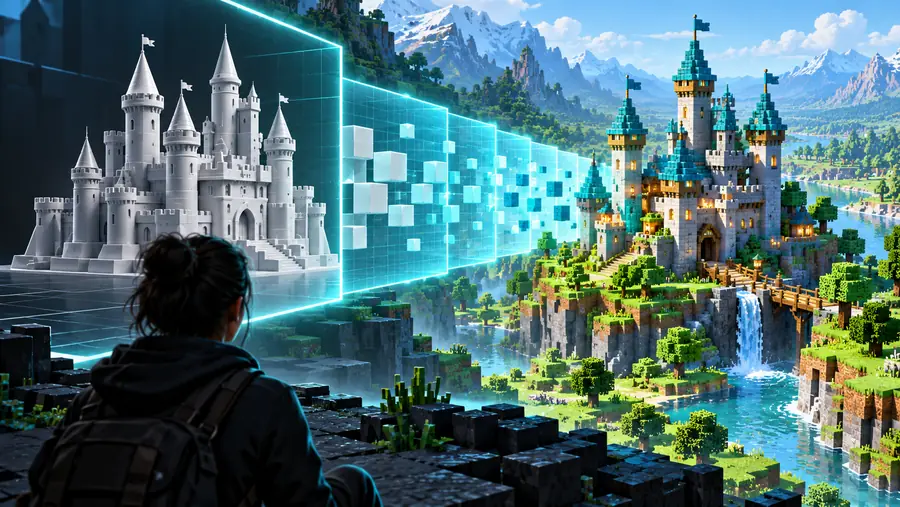
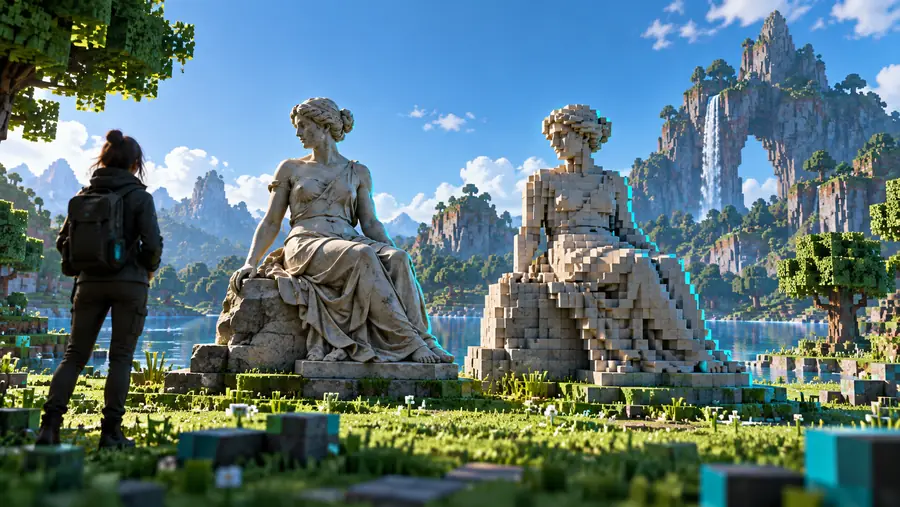
Use the comparison to check structure, scale, and visual priorities before building.
Source GLBLitematic planAn online converter can reduce the amount of format-specific preparation, while manual work remains useful for detailed corrections and design decisions.
| Online conversion path | Manual reconstruction | |
|---|---|---|
| Starting point | A prepared GLB model | Reference images or a 3D model |
| Main task | Define the desired Minecraft result | Rebuild geometry block by block |
| Scale handling | Set a practical target before review | Estimate and revise dimensions manually |
| Material decisions | Translate important surfaces into Minecraft priorities | Choose every block family by hand |
| Orientation | Check the model's intended facing during review | Rotate and align the build through repeated tests |
| Iteration | Revise the description or source and compare again | Edit the structure directly after each test |
| Best fit | Fast concept-to-layout exploration | Fine-grained artistic control over the final build |
Different creators need different destinations. These examples show when to stay with Litematic and when another route may be a better match.
You have a GLB prop or building concept and want a structured plan that can be inspected before placement.
A Litematic-oriented workflow keeps the conversion centered on a reusable Minecraft build layout.
Your existing tools and project files are organized around schematic imports and exports.
The schematic route keeps the destination vocabulary aligned with the rest of your build pipeline.
The final structure needs to connect with a Bedrock-style world workflow rather than a Java editing setup.
A structure-oriented destination may be more appropriate than a Litematic-first plan.
You already have a Litematic and need to move it into a different Minecraft structure context.
A dedicated conversion path can separate the original model-to-build step from the later format handoff.
When the source model is ready, the next useful step is to describe what should survive the conversion: silhouette, scale, orientation, materials, or all four. Use the Minecraft workspace to begin the handoff, then treat the result as a plan to inspect rather than a substitute for judgment.
It is a browser-based workflow for moving from a GLB 3D asset toward a Litematic-oriented Minecraft build plan. The useful part is the separation between the source model, the conversion intent, and the review of the resulting layout.
Not every model will translate cleanly without review. Scale, thin surfaces, complex materials, orientation, and small details can all affect how practical the Minecraft result is, so inspect the output before treating it as final.
Mention the model type, approximate size or role, desired style, important materials, and the Minecraft result you want. Clear instructions help distinguish structural features from details that can be simplified.
It depends on the goal. An online path is useful for exploring a model-to-layout direction with less repetitive setup, while manual reconstruction offers more direct control over every block and design choice.
Check the overall silhouette, proportions, facing direction, major material changes, and whether the layout is practical to build. Compare the result with the original GLB and revise the source or instructions when an important feature has been lost.