Bedrock world builder
A decorative GLB contains thin rails and curved trim that may disappear at block scale.
Keep the main silhouette and test small features in the target world before committing to a larger build.
Format workflow
A glb to mcstructure converter has to do more than rename a file: it must translate a continuous 3D model into placed Minecraft blocks. Start with a block-friendly design, then check which structure exports your chosen tools actually support.
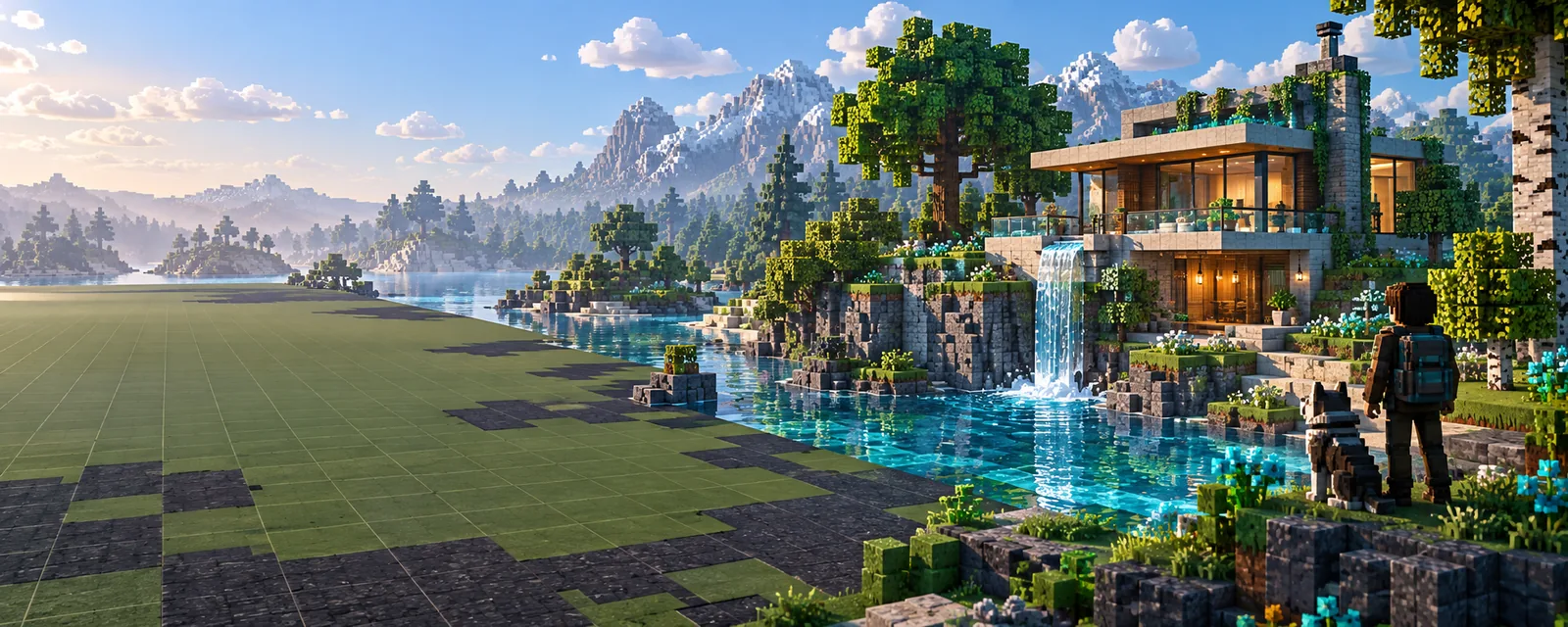
A GLB describes a rendered scene; an MCStructure records a Minecraft block arrangement. The distinction determines whether a conversion is useful or merely changes the filename.
Different builders notice different losses when a smooth model becomes a grid of blocks. Pick the destination format before spending time on fine detail.
A decorative GLB contains thin rails and curved trim that may disappear at block scale.
Keep the main silhouette and test small features in the target world before committing to a larger build.
A model is destined for a Java editing workflow rather than a Bedrock structure file.
Choose the Java-oriented output path instead of assuming that structure formats are interchangeable.
The GLB uses painted textures and material shading that have no direct block equivalent.
Plan a limited block palette that preserves the important color regions.
A block plan already exists, but the destination is a Bedrock world.
Check the intermediate format handoff and inspect the resulting block states.
Glbtolitematic can point you toward a Minecraft build workflow; this page does not establish that the linked tool directly exports MCStructure.
Use a simple, solid GLB or describe a new build concept. Remove hidden parts, make thin features thicker, and decide the approximate block dimensions.
Follow the tool link and inspect its current export options. If MCStructure is unavailable, use a compatible block-building workflow rather than relabeling a GLB.
Import the resulting structure with software that supports its actual format, then check scale, orientation, palette, and missing blocks in a test world.
A successful file export is not proof that the build looks right in Minecraft. These limits need checks in the destination world.
The available evidence does not confirm that the linked Minecraft tool accepts GLB uploads or writes MCStructure files.
What to do instead
Verify both import and export formats in the tool before relying on it for this handoff.
Blocks cannot reproduce every triangle, gradient, transparent surface, or sub-block detail in a GLB.
What to do instead
Inspect the silhouette from several angles and adjust the block scale or palette.
Block names and states may differ between Minecraft editions or versions.
What to do instead
Open the structure in the intended Bedrock version and replace unsupported or misplaced blocks.
| GLB | MCStructure | |
|---|---|---|
| Primary purpose | Portable 3D scene or model | Minecraft Bedrock structure data |
| Geometry | Meshes made of vertices and faces | Blocks placed on a discrete grid |
| Appearance | Materials, textures, and lighting properties | Block types and their states |
| Scale | Scene units and model transforms | Dimensions measured in blocks |
| Small details | Can describe features smaller than one block | Must approximate or omit sub-block features |
| Typical destination | 3D viewers and modeling software | Compatible Minecraft Bedrock structure workflows |
| Conversion requirement | Source geometry must be interpreted | A block palette and positions must be produced |
Describe the shape you want, then confirm the linked tool's current inputs and outputs. If you need MCStructure specifically, keep a compatible Bedrock export step in your workflow and inspect the result in a test world.
No. GLB stores 3D scene data, while MCStructure stores Minecraft block information. A real conversion must select blocks and place them on a grid.
Not exactly. A converter may approximate visible colors with a block palette, but image textures and material effects do not become identical Minecraft surfaces.
No. MCStructure is associated with Bedrock structure workflows, while schematic formats are commonly used in Java workflows. Check which format your importer accepts before exporting.
A GLB can carry transforms and scene units that do not directly specify Minecraft block dimensions. Set an intended block scale and orientation, then test the structure in the destination world.
Open the output with a compatible importer and inspect its dimensions, orientation, block palette, and missing details. A file extension alone cannot confirm that its contents are valid.